
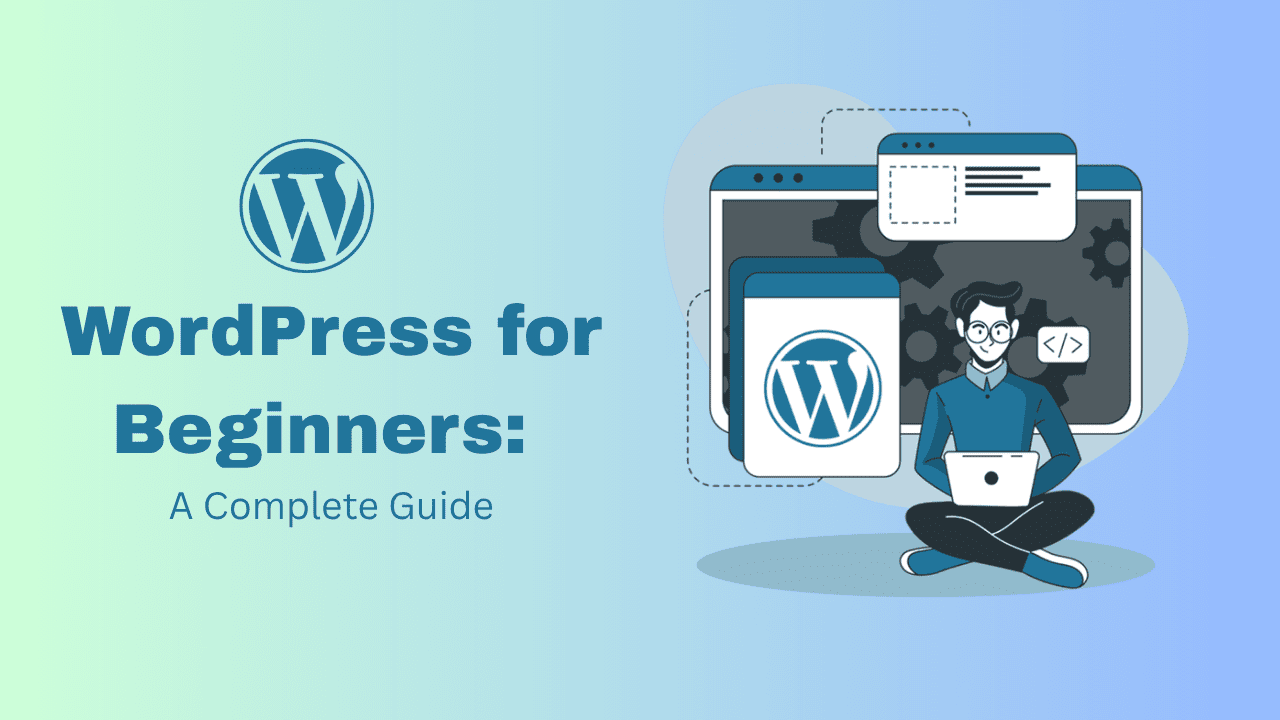

Are you looking to build your own website without coding? Want to start a blog, an online store, or a business site? WordPress is the perfect platform for beginners—and it powers over 43% of all websites on the internet!
Whether you’re enrolling in a WordPress course near me, joining a web design institute, or learning on your own, this complete guide will help you get started with confidence.
✅ What is WordPress?
WordPress is a free, open-source Content Management System (CMS) used to build websites and blogs. There are two versions:
- WordPress.org – Self-hosted (recommended for full control)
- WordPress.com – Hosted by WordPress with limited control
You can use WordPress to create:
- Blogs
- Business websites
- E-commerce stores (via WooCommerce)
- Portfolios
- Event or booking websites
🎯 Why Learn WordPress in 2025?
- No coding skills needed
- Thousands of themes & plugins
- SEO-friendly structure
- Mobile responsive design
- Huge community and support
- Ideal for freelancers & small businesses
💡 Many web development institutes near you now offer specialized WordPress classes with certification.
🛠️ How to Get Started with WordPress
1. Buy a Domain & Hosting
To make your website live, you’ll need:
- A domain name (e.g., yourname.com)
- A hosting service (e.g., Bluehost, Hostinger)
Choose a hosting provider that offers 1-click WordPress installation.
2. Install WordPress
Most hosting companies offer automated tools to install WordPress in just a few clicks. Once done, log in to your dashboard (yourdomain.com/wp-admin).
3. Choose a Theme
Themes control how your website looks. You can:
- Choose from 10,000+ free WordPress themes
- Buy premium themes from sites like ThemeForest
- Customize using page builders like Elementor
🎓 A good WordPress course will teach you theme customization in real-time.
4. Install Essential Plugins
Plugins add functionality to your website. Here are some must-have plugins:
| Purpose | Plugin Name |
| SEO | Rank Math or Yoast SEO |
| Page Builder | Elementor |
| Security | Wordfence or Sucuri |
| Backup | UpdraftPlus |
| Speed Optimization | WP Rocket or W3 Total Cache |
| Contact Form | WPForms or Contact Form 7 |
5. Create Pages & Posts
Start by creating the core pages:
- Home
- About
- Services or Products
- Blog
- Contact Us
Then write blog posts regularly to improve SEO and engage visitors.
6. Customize Your Site
Use the WordPress Customizer or Elementor to adjust:
- Fonts
- Colors
- Layouts
- Header/Footer
👨🏫 Most WordPress training programs include hands-on practice in customizing layouts and adding media.
7. Go Live and Maintain
Once your site is ready:
- Test it on mobile devices
- Set up Google Analytics and Search Console
- Keep plugins, themes, and WordPress updated
- Backup your site regularly
📚 Where to Learn WordPress?
Looking for a WordPress course near me? Here’s what a good institute should offer:
- ✅ Practical classes on live projects
- ✅ Training in Elementor & WooCommerce
- ✅ Hosting, domain, and SEO basics
- ✅ Portfolio creation
- ✅ Job or freelancing support
💼 Career Opportunities After Learning WordPress
- 🌐 Freelance WordPress Developer
- 🛒 WooCommerce Store Designer
- 🧑🏫 Website Trainer or Instructor
- 🧩 WordPress Theme/Plugin Developer
- 📝 Blogger or Affiliate Marketer
Whether you’re a student, entrepreneur, or working professional—learning WordPress can give you digital freedom and a high-income skill.